



How to play
On the keyboard, move with W, A, S and D and jump with SPACE. Press E to interact and kick, or use the left mouse button. The mouse or the right click moves the camera, R opens your bag, Y triggers Rebirth and C opens chat. In two-player mode, player 1 uses W, A, S, D, E, SPACE and R, while player 2 uses the arrow keys, J to kick, L to jump, K for Update and U for the bag. On phones, play in landscape only.
Tips
- Each zone has its own reward pool, and later arenas are more dangerous.
- Upgrades raise kick range with weights and increase movement speed.
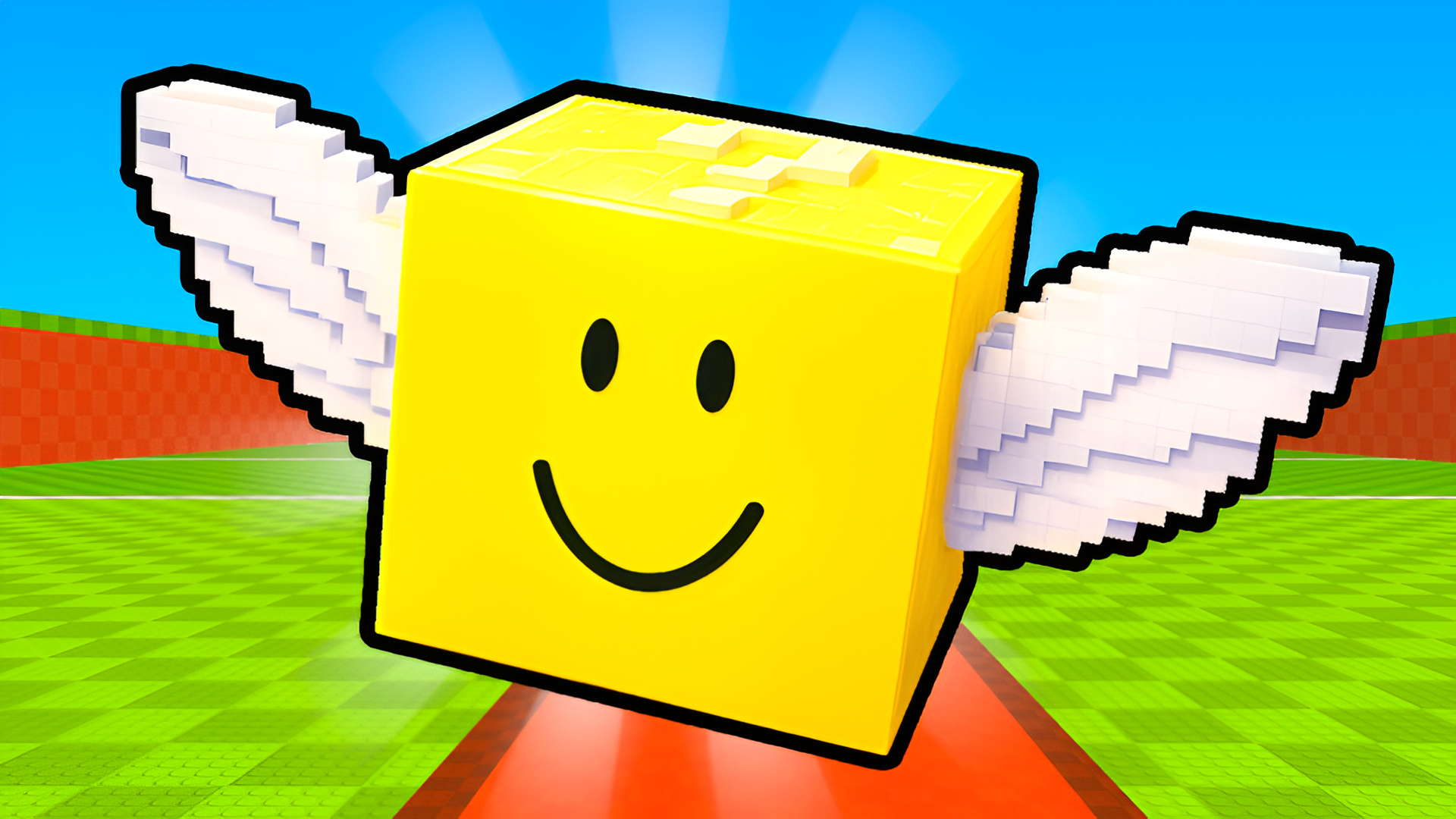
- Clothes, wings, hats, glasses and bag styles can be customized.
- Live events such as Diamond Rain or Volcano bring rare Brainrot opportunities.
- In 2-player mode on one device, player 2 uses the arrow keys.
FAQ
Can I play Kick Lucky Blocks Online on my phone?
Yes, but on phones the game only runs in landscape orientation.
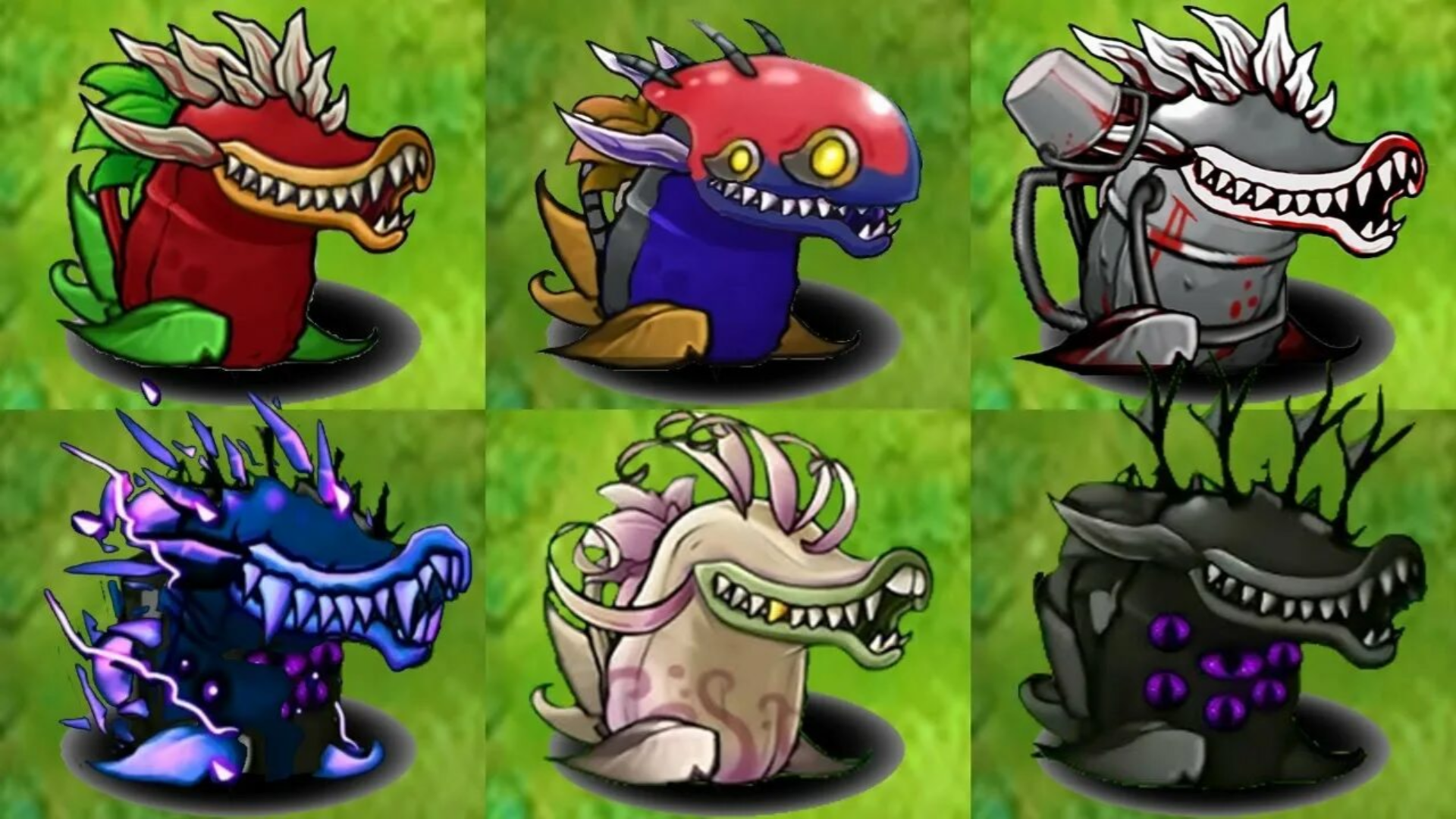
How many Brainrot characters are there?
More than 75, spread over 14 unique areas.
Can two people play on the same device?
Yes, the local 2-player mode lets two players compete or progress together on one device.
How do I earn rewards?
You kick a lucky block, chase it into dangerous areas and bring it back safely.
Which rarities exist?
From Common and Rare up to Celestial, Divine, Ascended, Eternal, Omniversal and Supreme.
Game provided by Playgama