












How to play
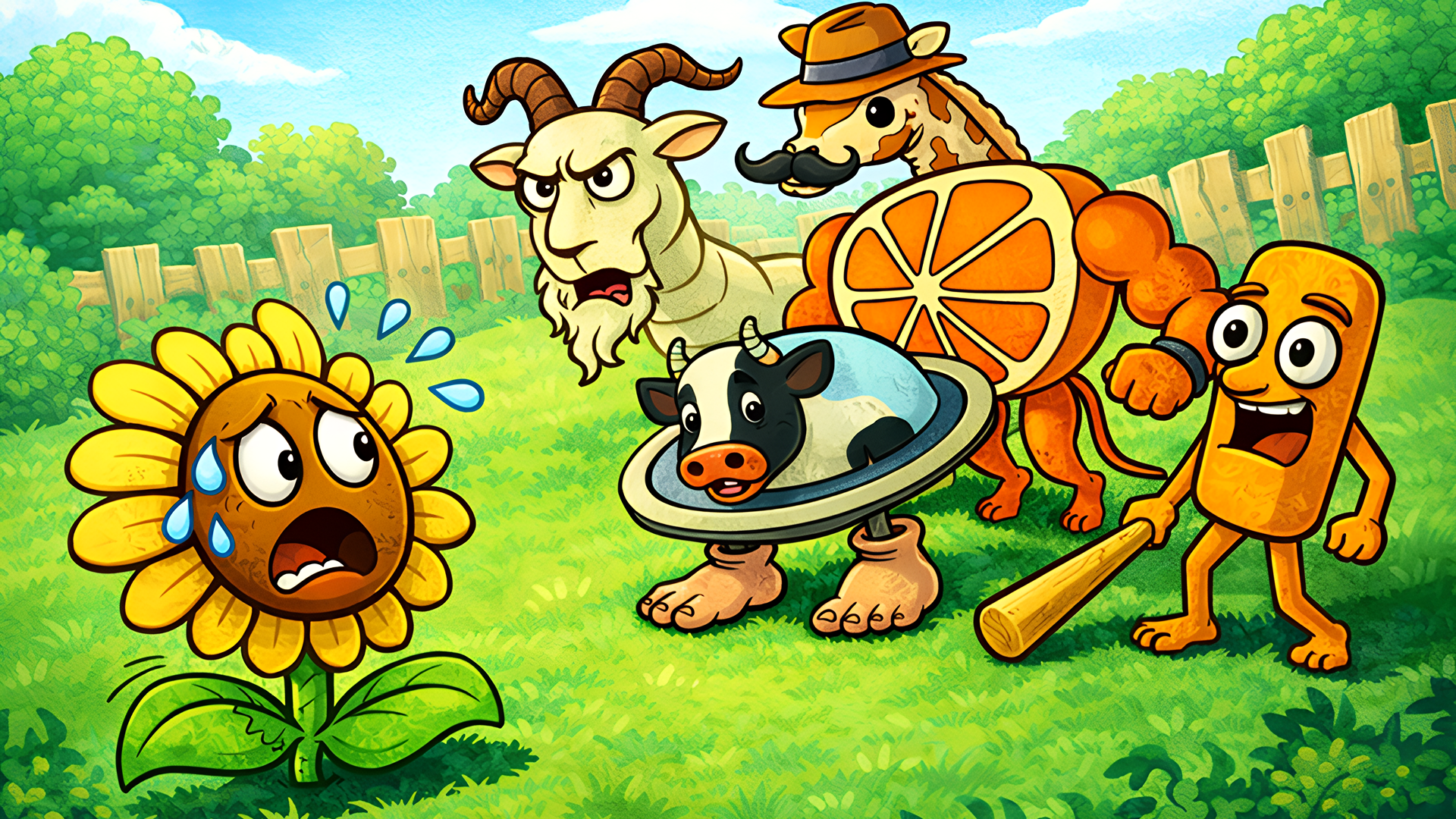
Place plants on the field to stop the zombies before they reach the house, and keep an eye on the cost and recharge time of each one. Select a plant, then place it. On a computer, the mouse selects plants, clicks buttons, places them, uses bonuses and collects items; on a phone, your finger does the same. On phones the game runs in landscape only. As the zombies get stronger, keep adapting: combine plants into hybrids and build your strategy around them.
Tips
- Sunflowers produce sun points, the currency you spend to place new plants.
- Hybrids are made by combining two or more plants, so pick the pair before you place them.
- Torch Wood makes the projectiles of other plants fiery.
- A Zombie Door uses a door as a shield, so your plants must break it first.
- On a phone, turn the device sideways before you start, since the game runs in landscape only.
FAQ
Can I play Plants vs Zombies Fusion Mode on my phone?
Yes, but only in landscape orientation, so turn the device sideways before you start.
What is the goal of each level?
Stop the zombies from reaching your house by building lines of defense, and destroy every wave.
What counts as losing?
You lose when zombies get into the house, so keep them out with your defense.
Which plants can you use at the start?
The Peashooter, which shoots peas, and the Sunflower, which gives you sun points.
Do you get rewards for playing daily?
Yes, you receive a daily reward each time you come back to the game.
Does the difficulty increase?
Yes, each level tends to be tougher than the previous one.
Game provided by Playgama