







How to play
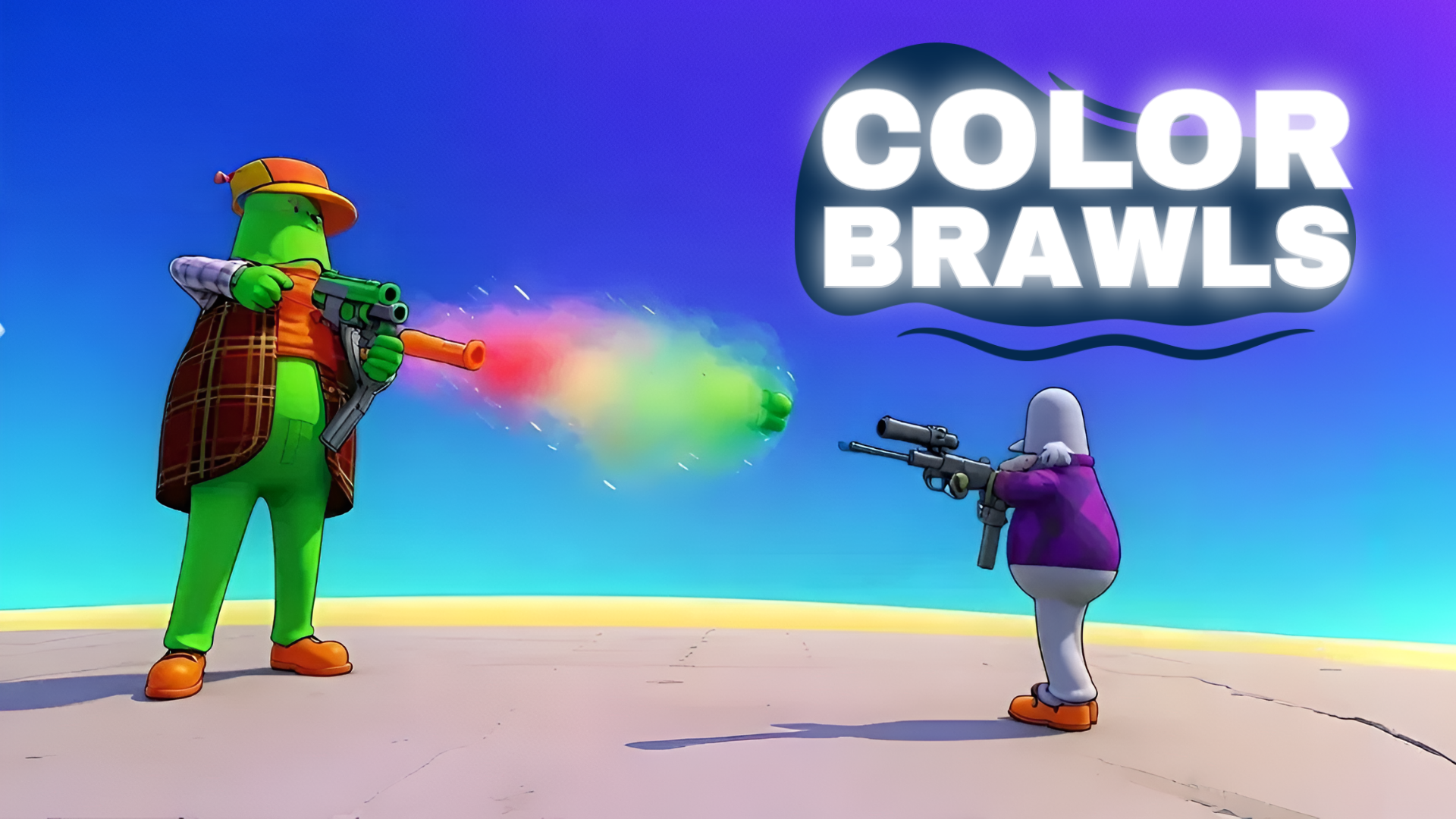
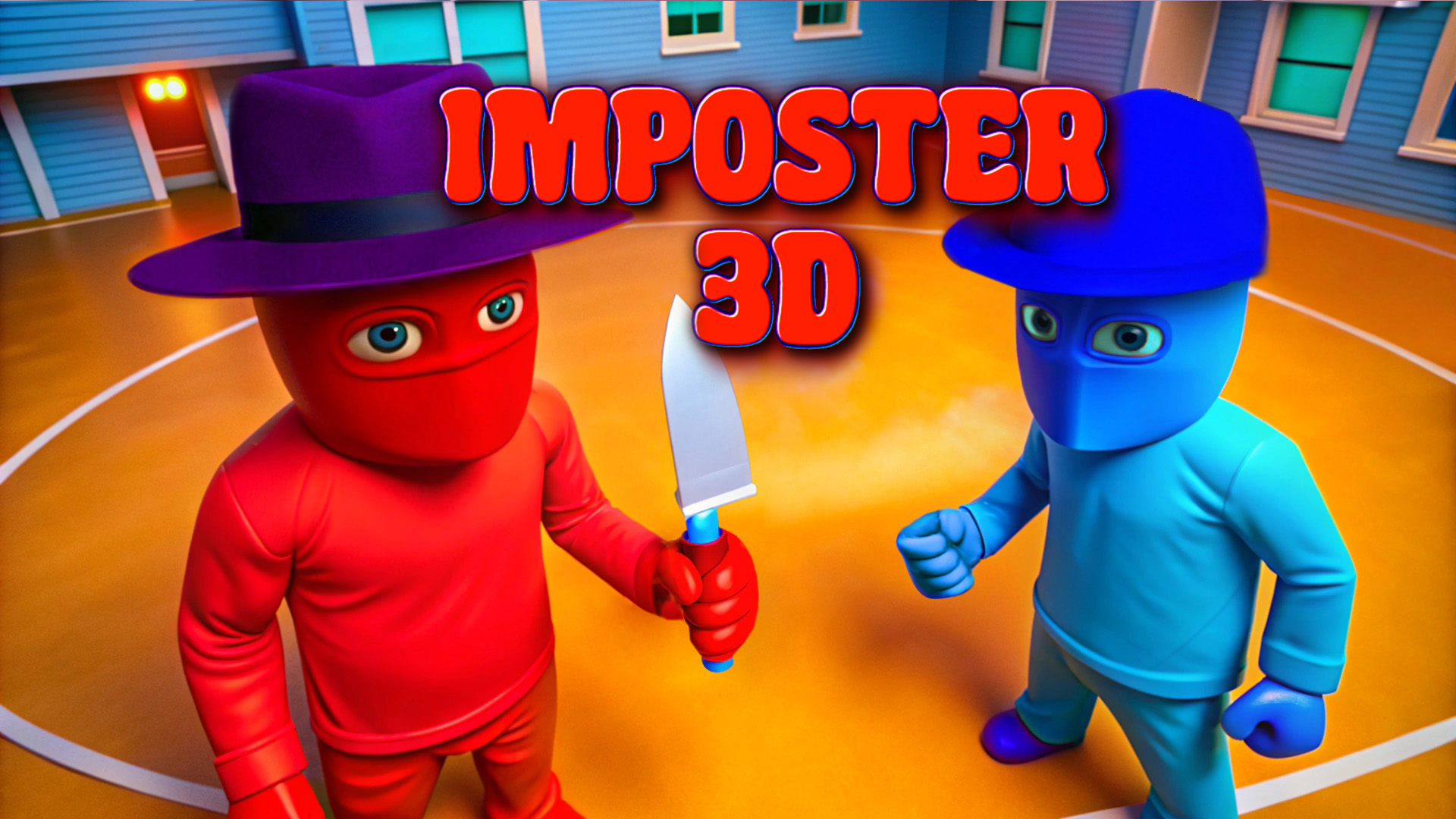
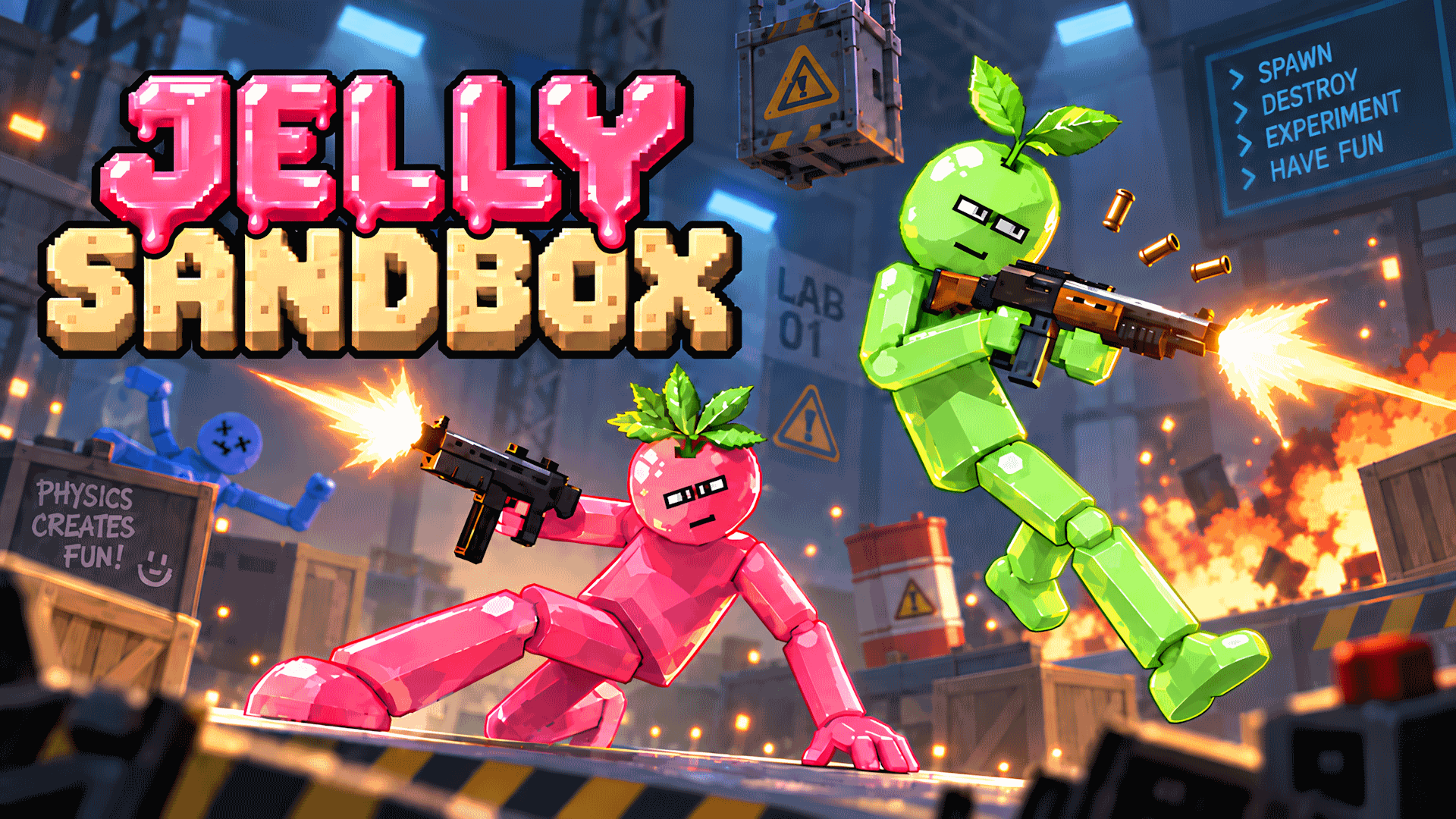
To start, create a map or join other players. On a computer, the W, A, S and D keys move your character, and the mouse turns the camera. Press Space to jump, C to crouch and E to interact with objects. On a phone held sideways, a virtual joystick on the left moves you, swipes on the right side of the screen turn the camera, and virtual buttons handle jumping and reloading. Fight, upgrade your weapons and collect rewards as you go.
Tips
- To start a match, create a map or join players who are already in one.
- On a phone, the virtual joystick on the left moves you, and swipes on the right turn the camera.
- On a computer, C crouches, E interacts with objects and Space makes you jump.
- The game has many maps and several modes, so you can try different fights.
- Team up with friends in online multiplayer to face the other players together.
FAQ
Can I play it on a phone?
Yes. It is played on a phone held sideways, with a virtual joystick and swipes.
Which keys move the character?
On a computer, W, A, S and D move you, and the mouse turns the camera.
Are there several modes and maps?
Yes. The game offers many maps, several modes and leaderboards.
How does a match start?
By creating a map or joining other players.
Can I play with friends?
Yes. You can team up with friends in online matches.
Game provided by Playgama