












How to play
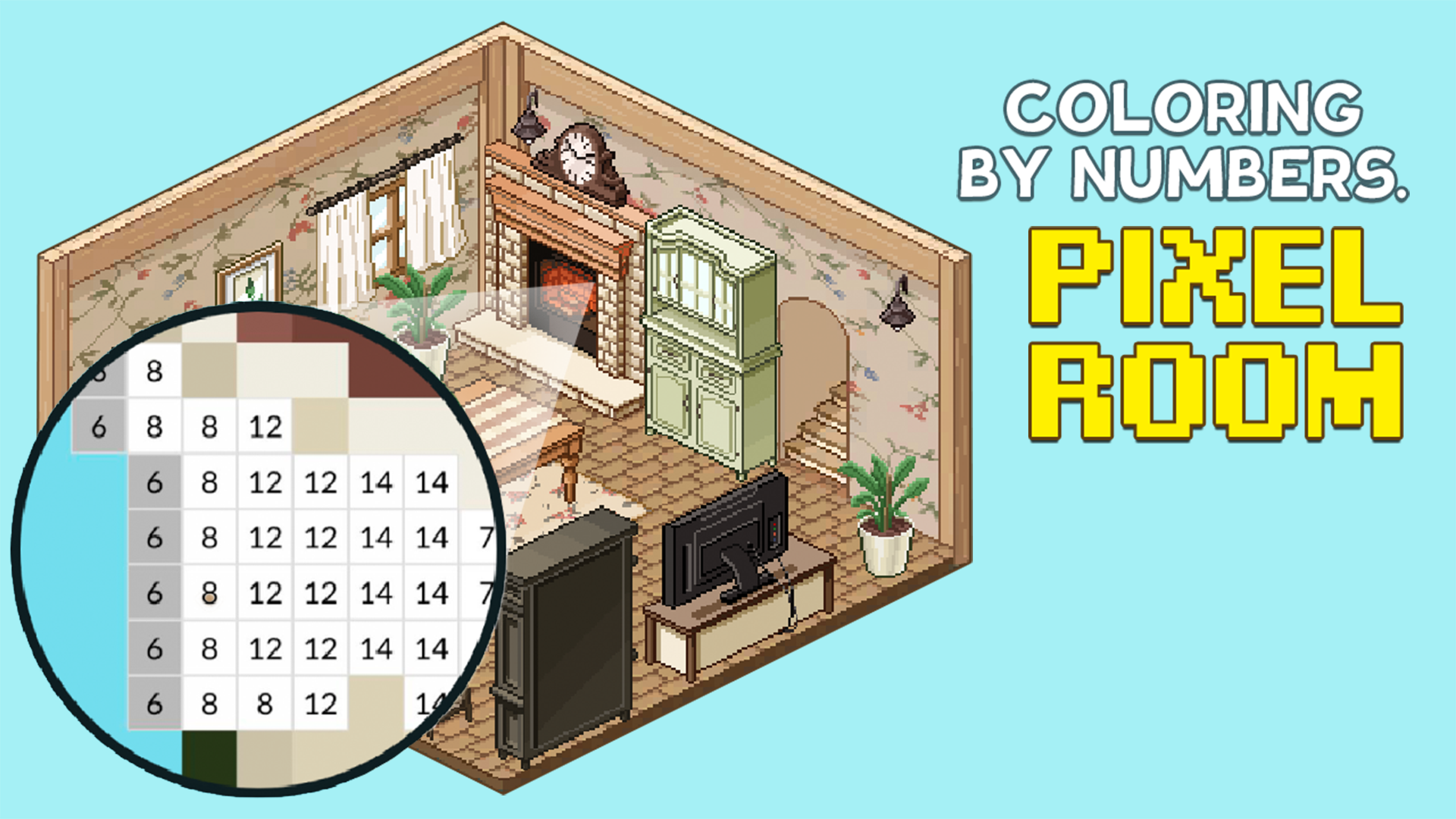
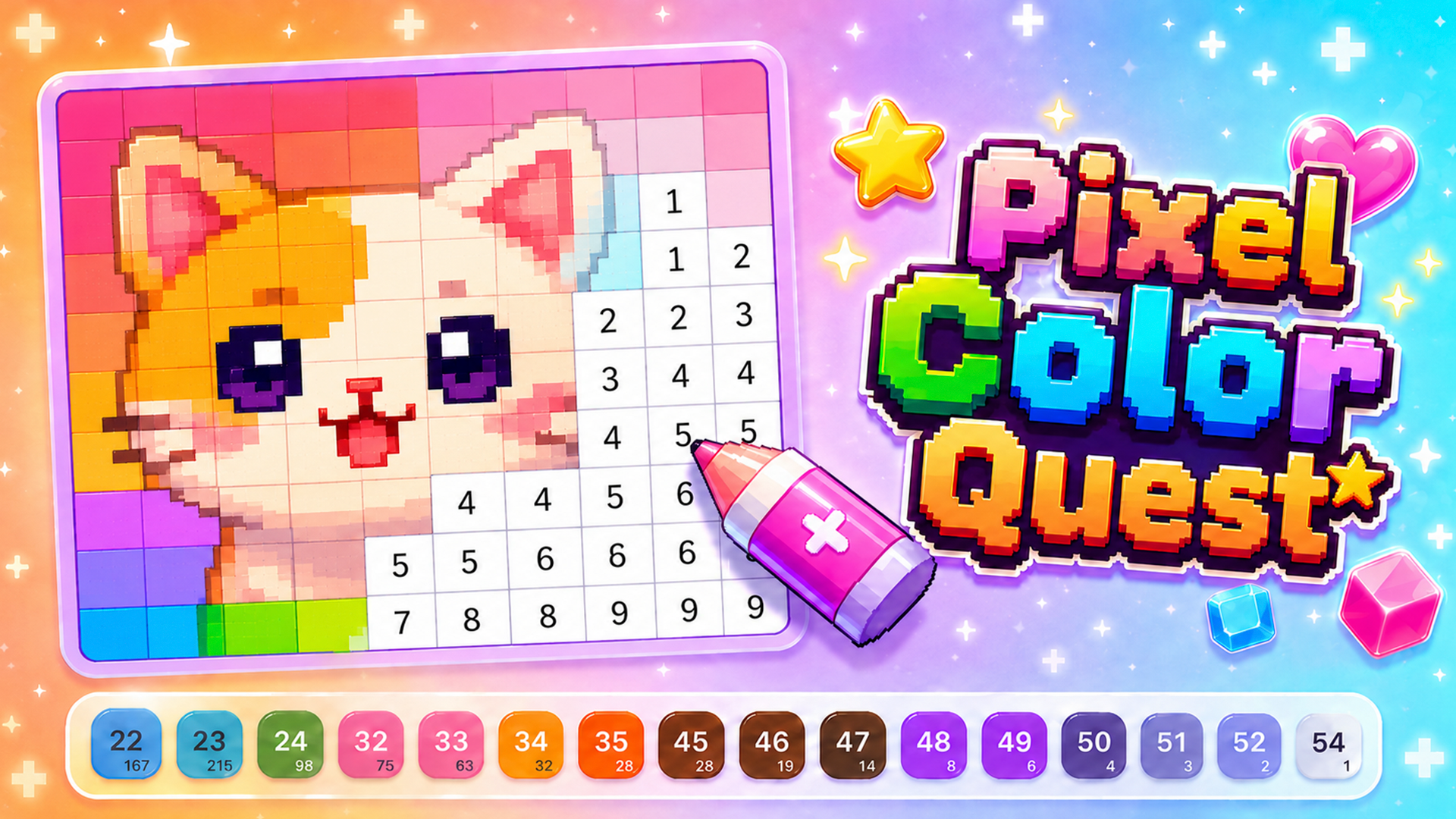
Your goal is to turn each black-and-white picture into a colored one. Open a picture from a category in the gallery, then choose a color from the palette along the bottom edge and fill the areas that match it. To reach small details, zoom with the upper slider, a pinch gesture, or your mouse wheel. Boosters are special tools that make coloring faster. The game works with touch devices such as phones and tablets, in portrait or landscape.
Tips
- Pick a color from the palette first, then fill the areas that match it.
- A pinch gesture, the mouse wheel or the upper slider brings small details closer.
- Boosters are special tools that make coloring faster.
- The game works in portrait and in landscape, on a computer or on a phone.
FAQ
Can I play Color Pixels - Coloring by Numbers on my phone?
Yes. It works on phones and tablets, in portrait or landscape.
Do I need to download anything to play?
No. The game runs in your browser with nothing to download.
How do I zoom in on small details?
Use the upper slider, a pinch gesture, or your mouse wheel.
What are boosters?
They are special tools that make coloring faster.
Is the game free?
Yes, it is a free online game.
Game provided by Playgama