










How to play
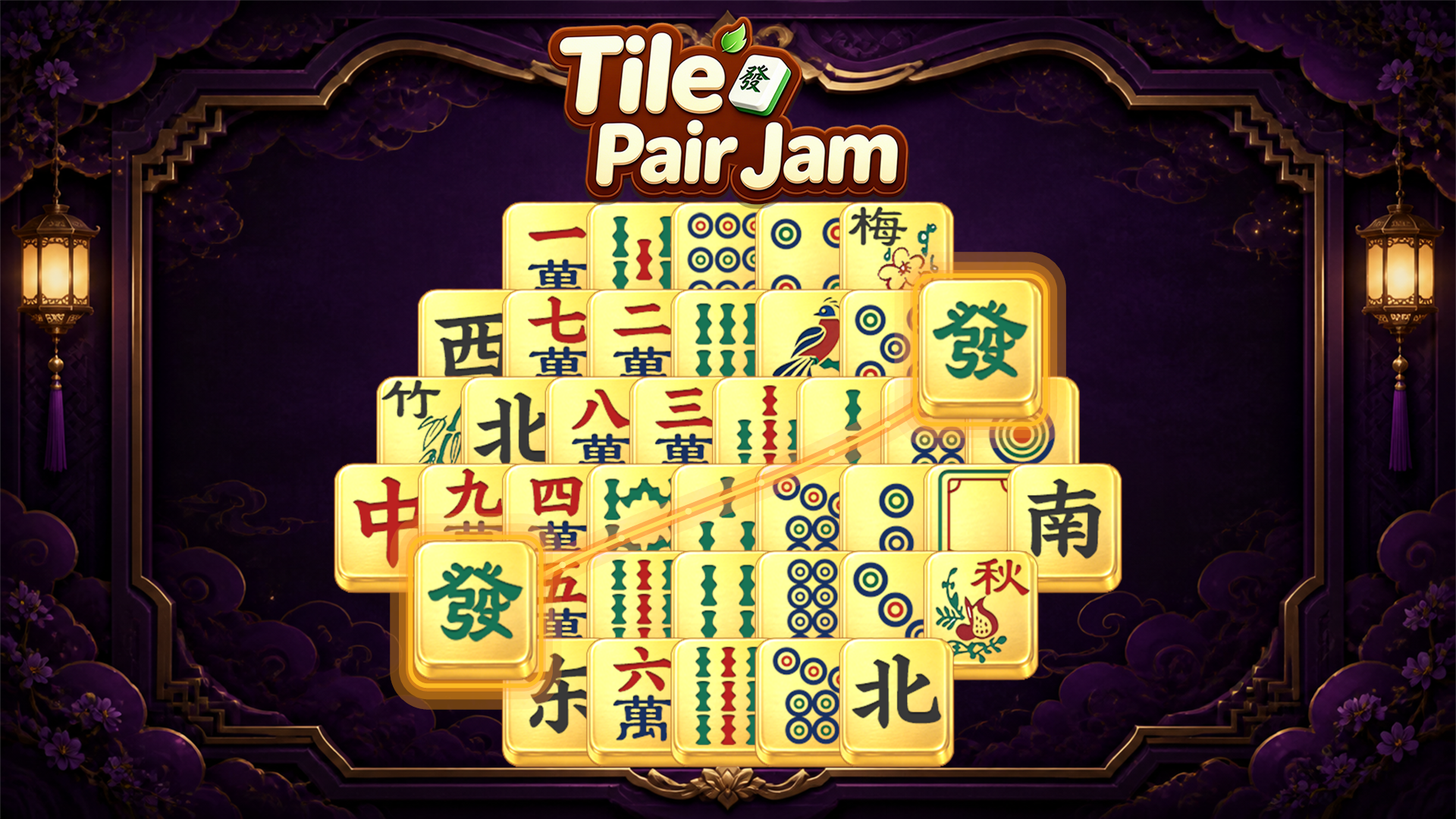
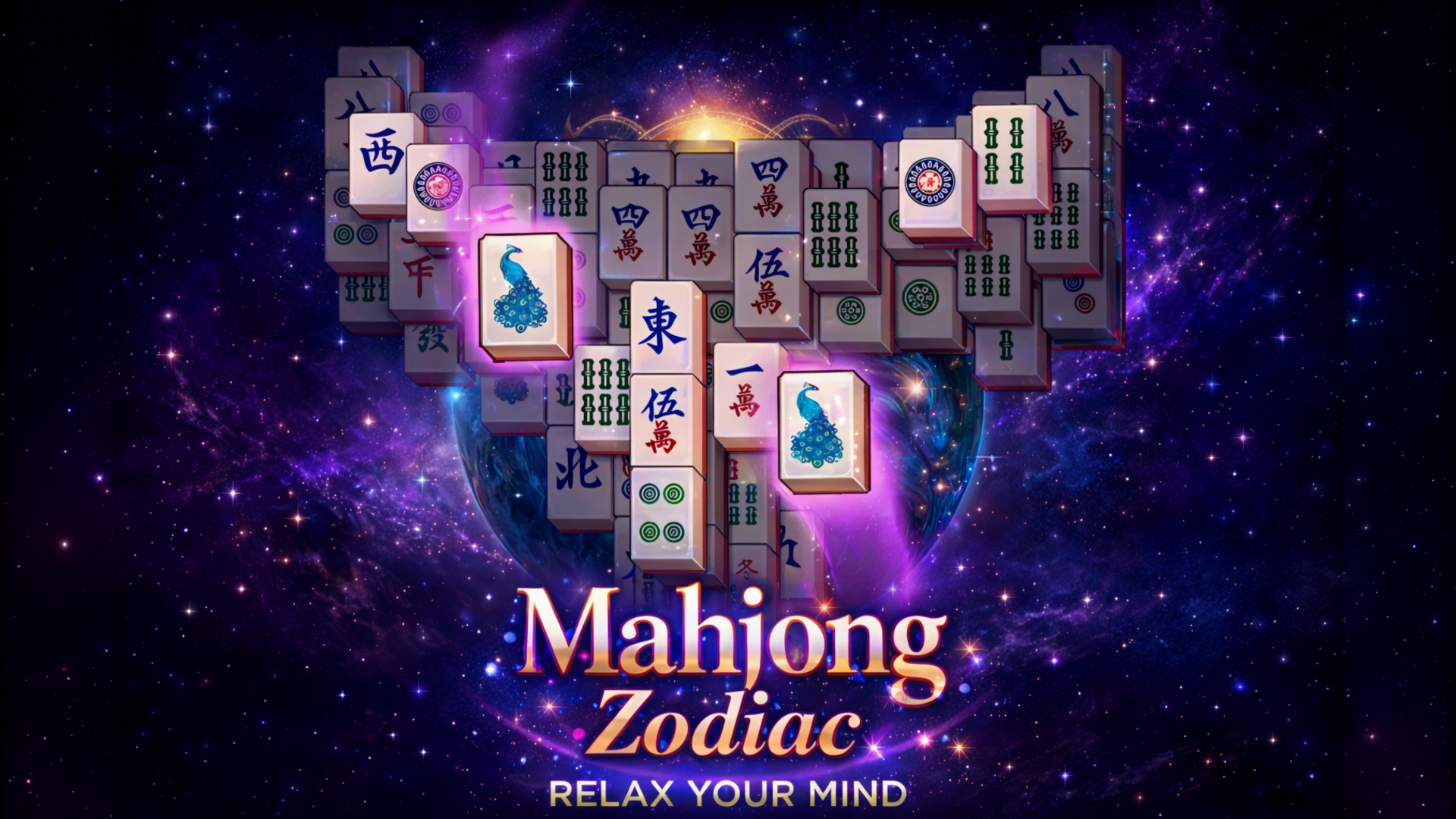
Turn a phone to landscape first: that is the only orientation the game supports. Then read the board. Free chips are the ones no other chip blocks, and only free chips can be selected. Remove two free chips that show the same symbol; a flower chip pairs with any other flower chip, and a season chip with any other season chip. When you cannot see a move, three boosters can help: “Hint” shows a pair, “Undo” returns the last pair and “Spotlight” makes the selectable chips easier to find. The field is cleared when every chip is gone; if no available pair remains, the game is lost.
Tips
- Before you pick a pair, look for free chips: only a chip that no other chip blocks can be selected.
- Remember the special pairs: any two flower chips go together, and any two season chips go together.
- When you cannot see a move, use “Hint”: it shows a pair you can remove.
- “Undo” returns the last pair, so use it when you want to try a different move.
- If you cannot tell which chips are free, “Spotlight” simplifies the search for them.
FAQ
Can I play Mahjong Classic on my phone?
Yes. On a phone the game runs in landscape only, so turn the screen sideways before you start.
Does every layout have a solution?
Yes. The level generator builds random layouts that always have a solution, and every game is different.
Which fields can I play?
Turtle, Fort, Crab, Spider, Cat and Dragon are among the popular fields, and there are many others.
How do flower and season chips pair?
Any two flower chips form a pair, and any two season chips form a pair.
What do the boosters do?
“Undo” returns the last pair, “Hint” shows a pair and “Spotlight” simplifies the search for chips you can select.
When do I lose a game?
You lose when no available pair is left on the field.
Game provided by Playgama