















How to play
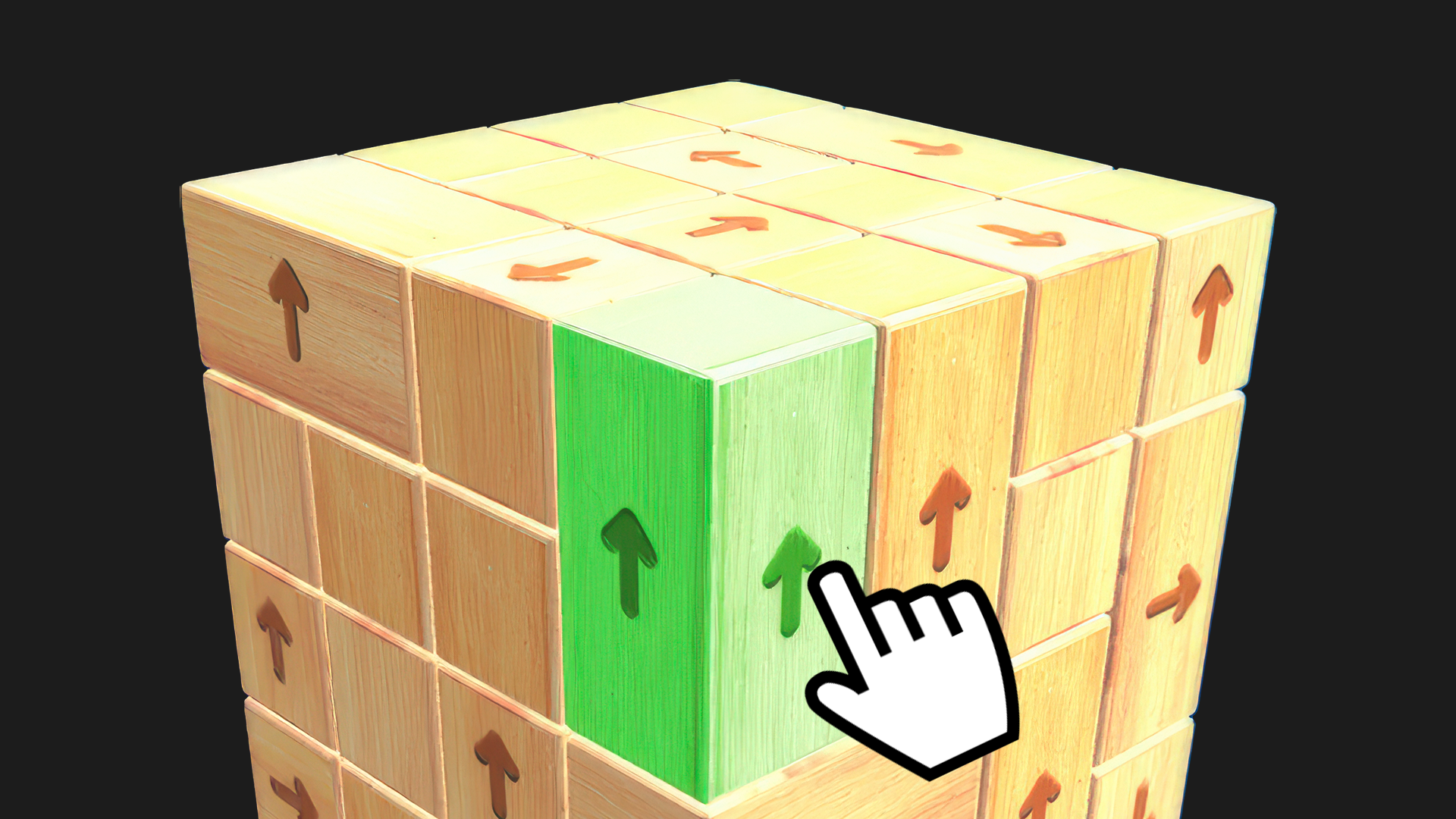
Controls: on PC, scroll the mouse wheel to zoom in and out, and left-click an arrow to move it away. On a phone, pinch to zoom and tap an arrow to move it away. Study the paths before each tap, since the right move may unlock the route ahead. Every collision costs one of your three hearts, and three mistakes end the attempt. To finish a level, clear all the arrows before the countdown reaches zero.
Tips
- Look over every route on the board before you touch anything, then pick the arrow to move first.
- Watch your hearts: three mistakes end the attempt, so every tap counts.
- On a phone, pinch to zoom; on a PC, use the mouse wheel when a maze is too dense to read.
- Keep an eye on the clock: every level has to be emptied before the countdown hits zero.
FAQ
Can I play Arrows Out! on my phone?
Yes. It works on phones in portrait or landscape, and a tap moves an arrow away.
How many hearts do I get?
Three. Each collision costs one heart, and three mistakes end the attempt.
What do I need to do to finish a level?
Clear all the arrows before the countdown reaches zero.
How do I zoom in on the board?
On a PC, use the mouse wheel; on a phone, pinch the screen.
Game provided by Playgama