









How to play
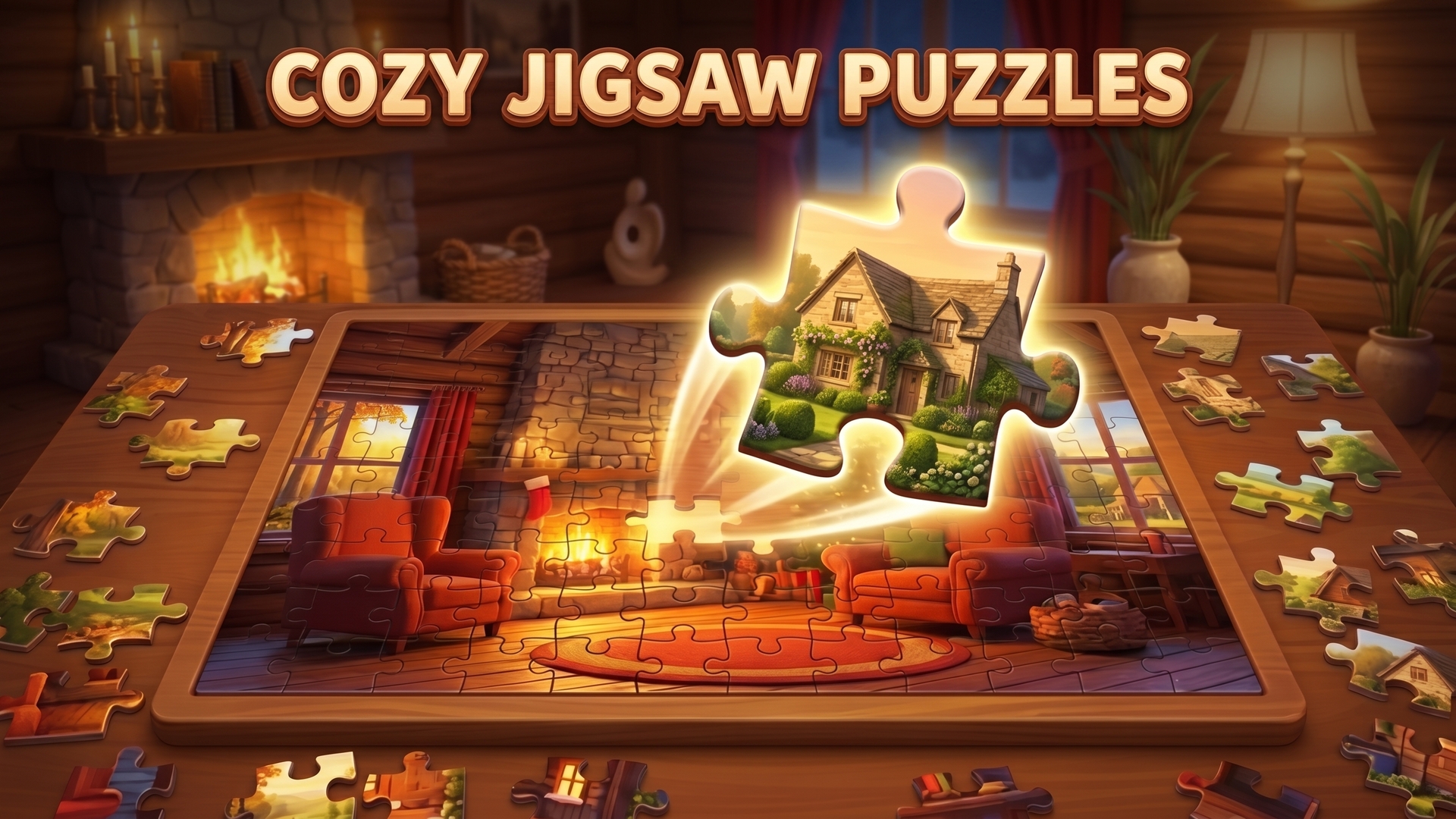
On a PC, press and hold the left mouse button on a piece to drag it into place, and use the mouse wheel to zoom in or out and to scroll through the feed of pieces. On a phone, the game runs in portrait or landscape: move a piece with your finger and scale the screen with your fingers. Set the number of pieces between 6 and 1200 and choose whether rotation is on. Pick Classic or Realistic mode, where the pieces lie scattered on the board. If you get stuck, ask for a hint, look at the example picture or turn on the grid.
Tips
- A hint, an example picture and the grid are available during a game, so use them when a piece is hard to place.
- The difficulty runs from 6 to 1200 pieces, with or without rotation, so you choose how hard each puzzle is.
- Realistic mode is for players who love complexity: the pieces are scattered over the board.
- On a PC, the mouse wheel zooms in and out; on a touchscreen, your fingers scale the screen.
- Turn a photo you took into a puzzle to play with images you choose.
FAQ
Can I play Favorite Puzzles on my phone?
Yes. It runs in portrait or landscape, and you move the pieces with your finger.
How many pieces can a puzzle have?
Anywhere from 6 to 1200 pieces, with or without rotation.
What is Realistic mode?
A mode where the pieces lie scattered on the board and you put the picture together from them.
Can I make a puzzle from my own photo?
Yes. You can create a jigsaw puzzle from a photo you took.
Which tools help when I am stuck?
You can always get a hint, show an example picture or display the grid.
Game provided by Playgama