









How to play
On PC, drive with WASD or the arrow keys, use Shift for nitro, press Space for the handbrake and R to restart. On a smartphone, use the on-screen keys, in landscape only, since that is the sole orientation the game supports. Each level has its own conditions, from extreme tracks to complex stunt zones, and every collision goes through the realistic destruction system. Press R to restart a level whenever you want.
Tips
- Drive with WASD or the arrow keys: Shift is nitro and Space is the handbrake.
- On a smartphone, turn the device to landscape before you start, since it is the only orientation the game supports.
- Hidden routes are part of the open world, so explore its locations to find them.
- Extreme tracks and complex stunt zones each come with their own conditions.
- Press R whenever you want to restart a level.
FAQ
Can I play BMG: Ragdoll Car Race on my phone?
Yes, on a smartphone in landscape only, using the on-screen keys.
What is the game about?
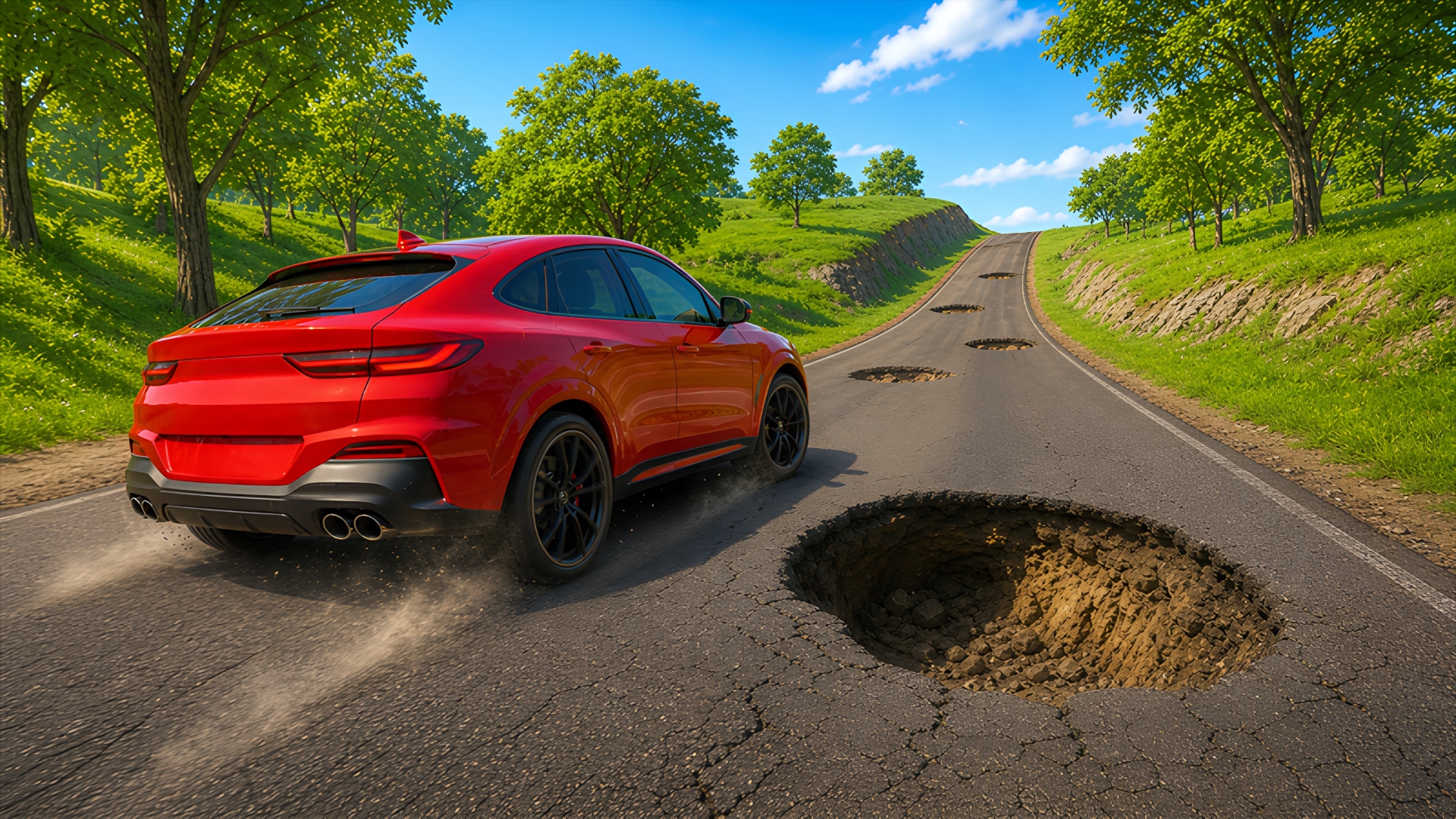
A crash test simulator with plenty of destruction and obstacles, set in a huge open world.
Which keys do I need on a PC?
WASD or the arrow keys to drive, Shift for nitro, Space for the handbrake and R to restart.
Do all levels have the same conditions?
No. Conditions vary from level to level, from extreme tracks to complex stunt zones.
Is the destruction realistic?
Yes, a realistic destruction system handles every collision.
Game provided by Playgama