






How to play
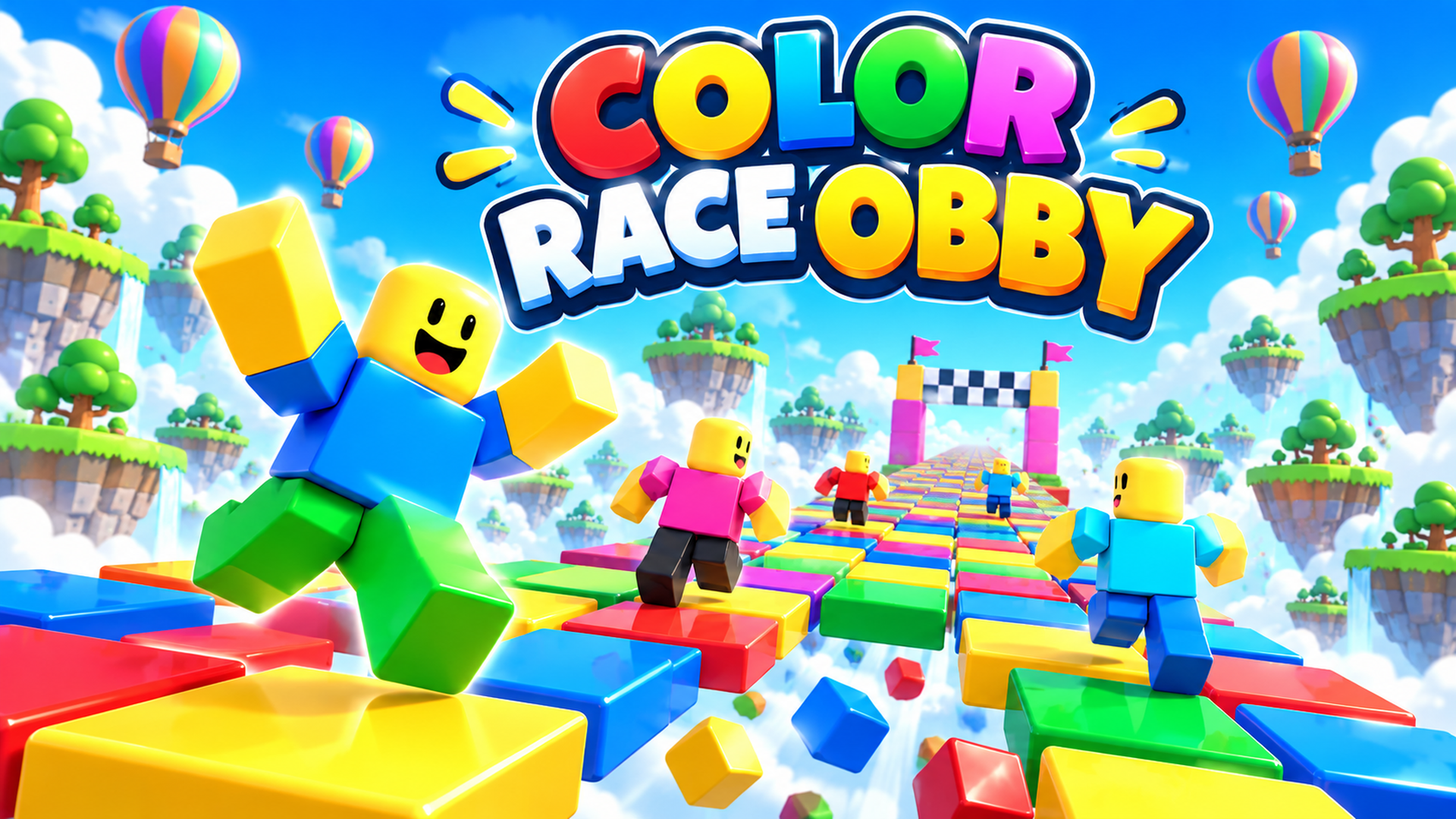
On a computer, move with W, A, S and D, jump with the Spacebar, and press Tab to get the mouse cursor. On a phone, the joystick sits on the left side of the screen, the jump button in the bottom right corner, and sliding a finger across the right side turns the camera. The phone version works in landscape only. Each mode has its own goal: reach the end of the parkour map, step only on tiles of the color shown at the top, choose the glass tile that stays intact, or move fast, because the tiles you cross disappear after a second. Beat the other players in each mode to win cups.
Tips
- In Colorful Floor, check the color shown at the top of the screen before every step.
- In Glass Bridge, one glass tile breaks while the other stays intact, so choose before you jump.
- In Falling Tiles, the tiles you have crossed disappear after a second: keep moving forward.
- On a phone, play in landscape: it is the only orientation the game supports.
- Rain of Blocks only unlocks as you progress through the game.
FAQ
Can I play Obby: Mini-Games on my phone?
Yes. On a phone, the joystick is on the left side, the jump button sits in the bottom right corner, and the game runs in landscape only.
Which mode unlocks as you progress?
Rain of Blocks is the mode that unlocks as you progress through the game.
How do I jump on a computer?
Press the Spacebar. W, A, S and D move you, and Tab gives you the mouse cursor.
What do I win in each mode?
You win cups by beating the other players, and the winner stands on the golden pedestal.
What happens in the falling tiles mode?
The tiles you have already run on drop away and disappear after a second.
Game provided by Playgama