





How to play
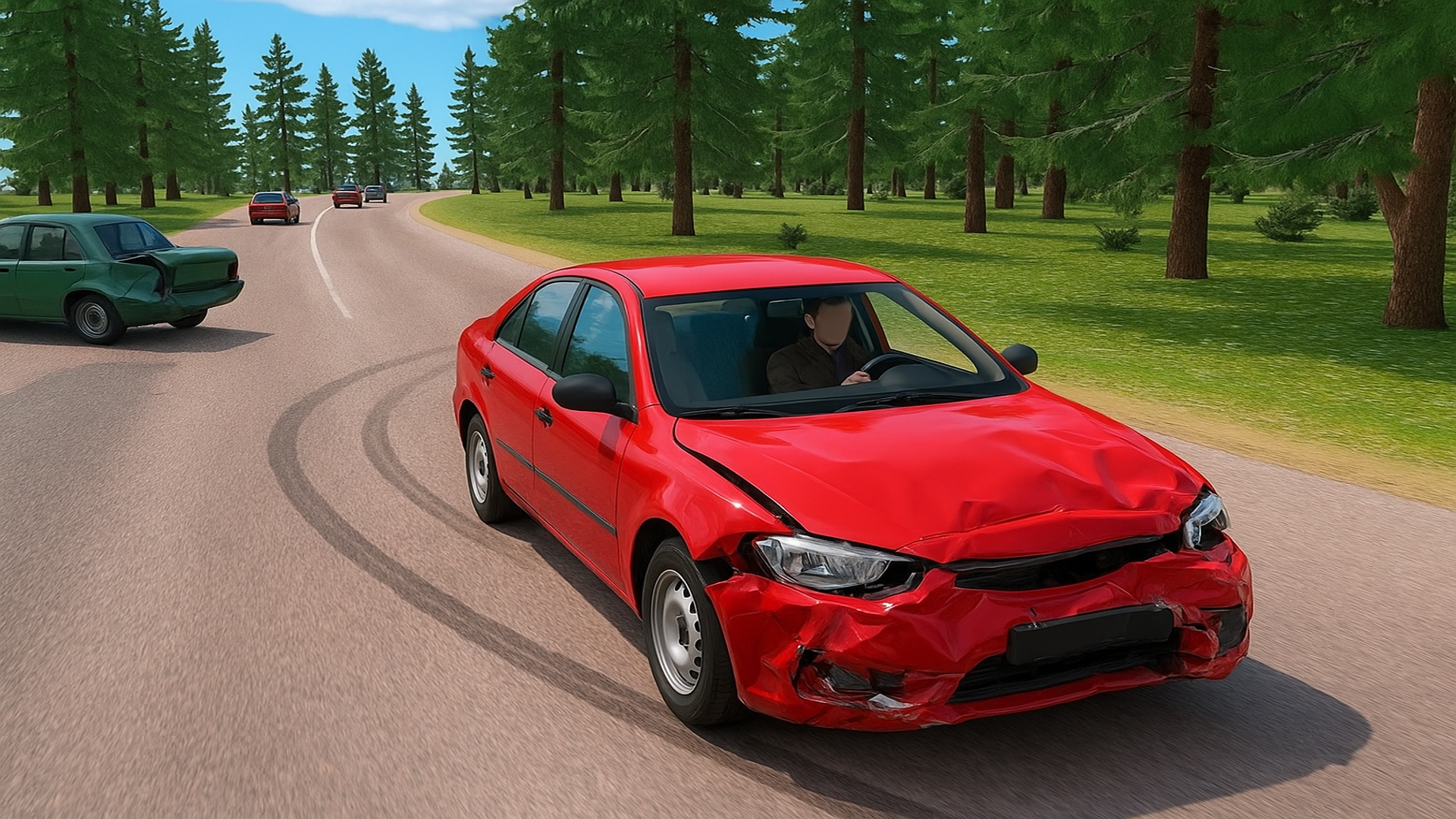
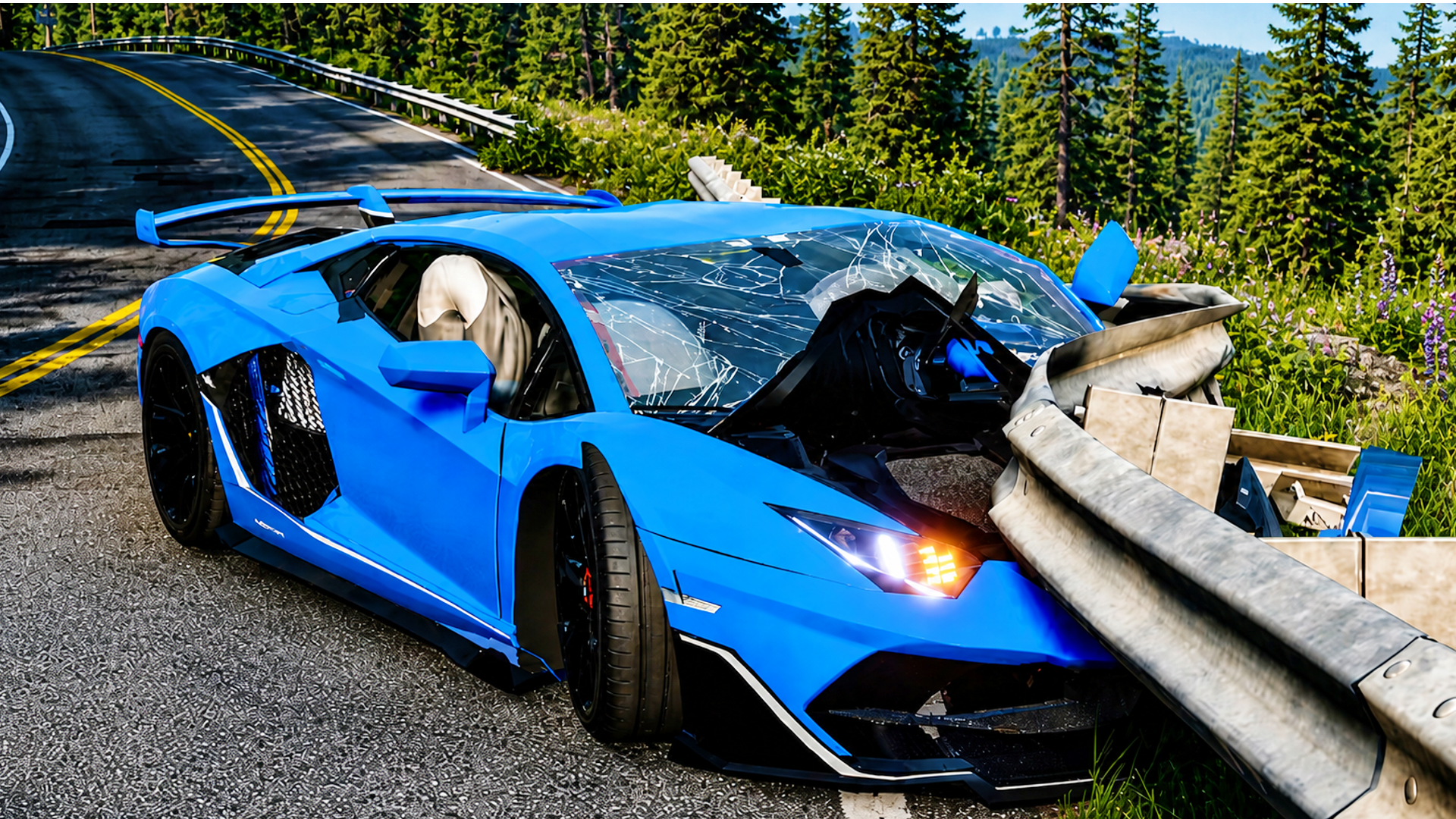
Drive with W, A, S and D and hold Space for the handbrake. Shift fires the nitro, C changes the camera and B slows time down so you can watch a crash up close. R resets the car, K restores it and N switches to another car. Tab or Escape opens the pause menu. On a phone, you use the game interface instead of the keyboard.
Tips
- Drive with W, A, S and D, hold Space for the handbrake and Shift for the nitro.
- Press B to slow time down and watch a crash in detail.
- Press C to change the camera.
- R resets the car, K restores it and N switches to another car.
- Tab or Escape opens the pause menu.
FAQ
Can I play Car Destruction King on a phone?
Yes. On mobile devices you use the game interface, in portrait or landscape.
What controls does the game use on PC?
W, A, S and D to drive, Space for the handbrake, Shift for the nitro, C for the camera and B for slow motion.
What obstacles does the car meet?
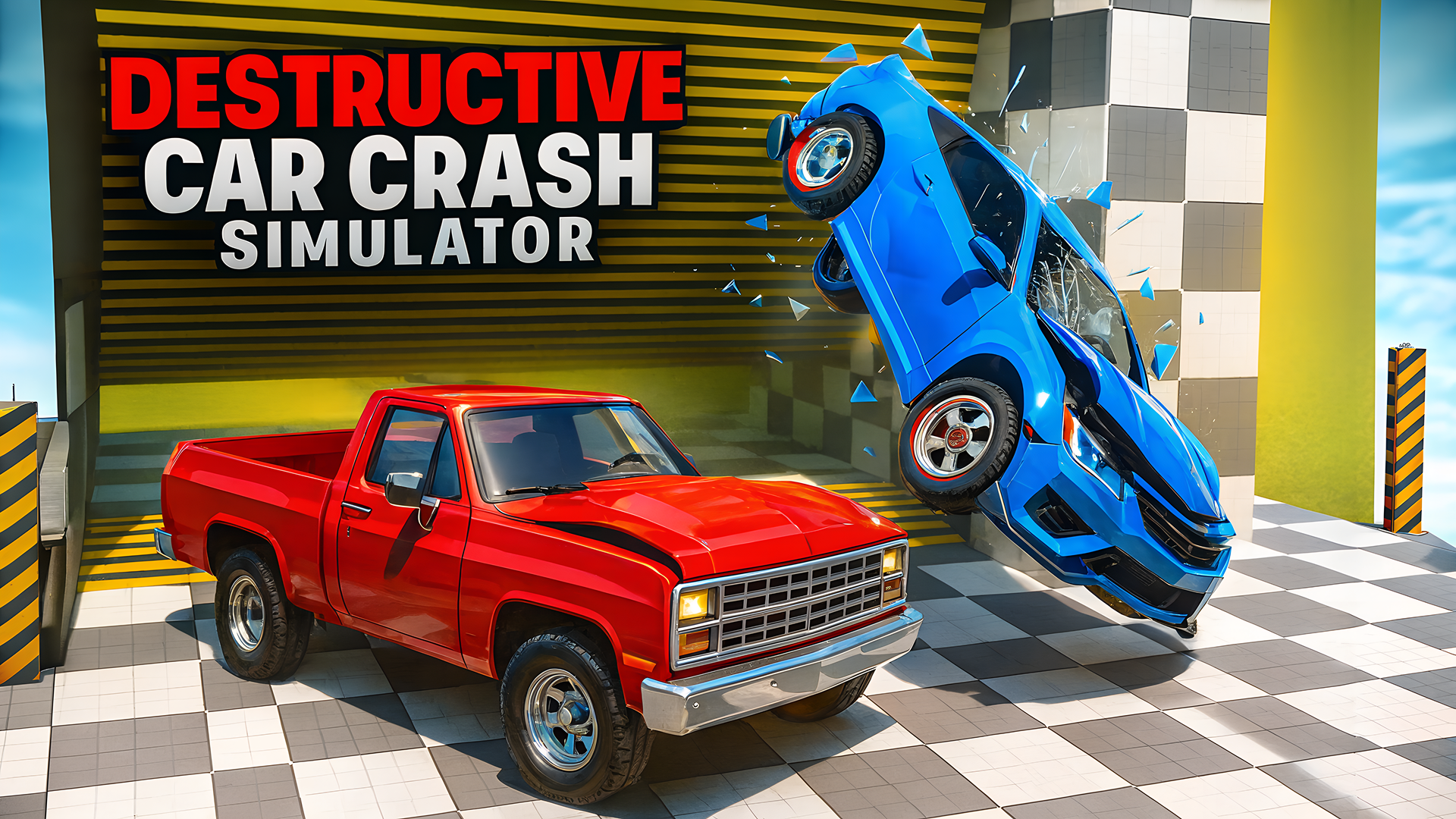
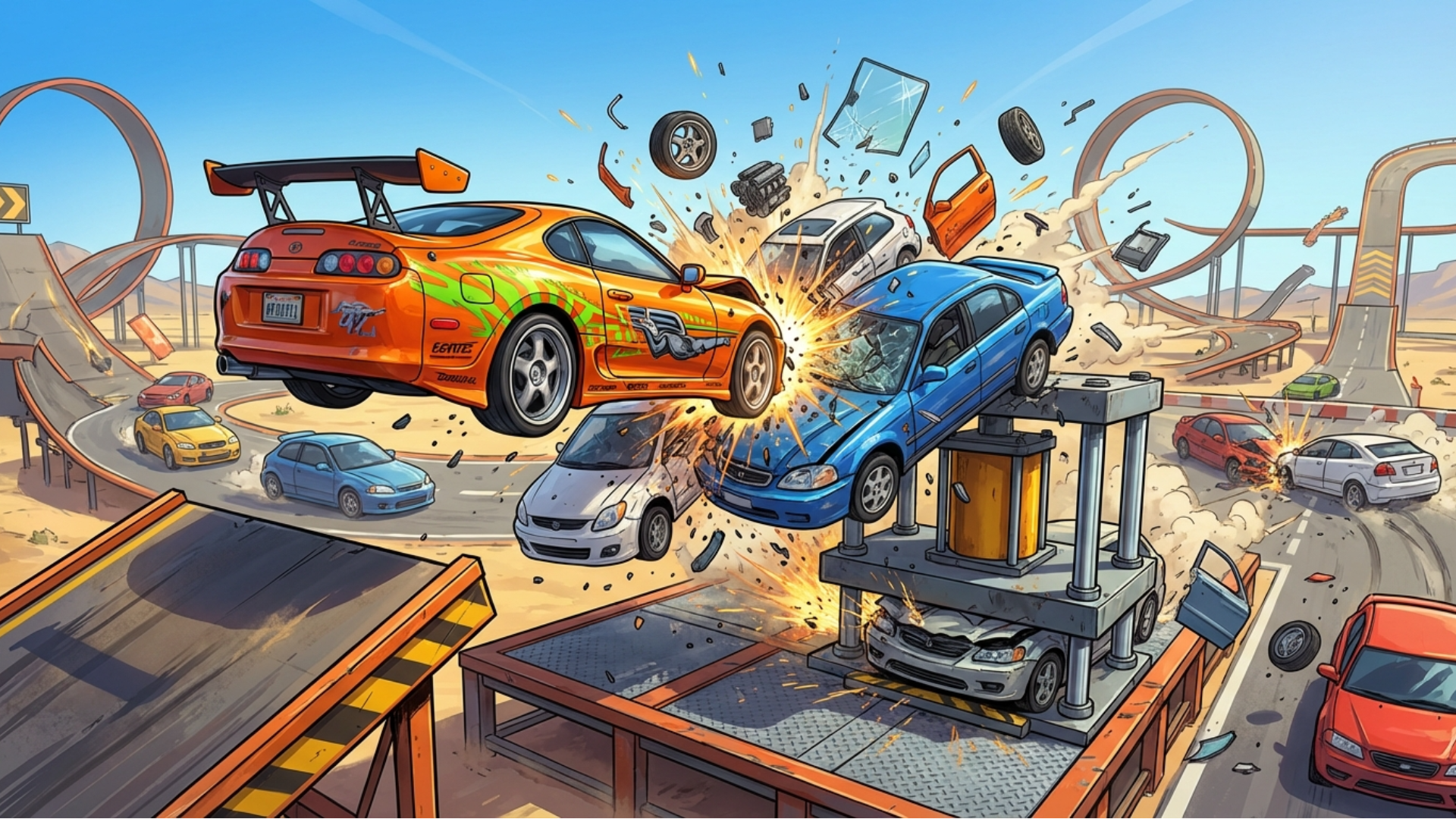
Rotating hammers, presses, catapults and other obstacles.
Are there races in the game?
Yes. You can take part in races and set new records.
Can I drive different cars?
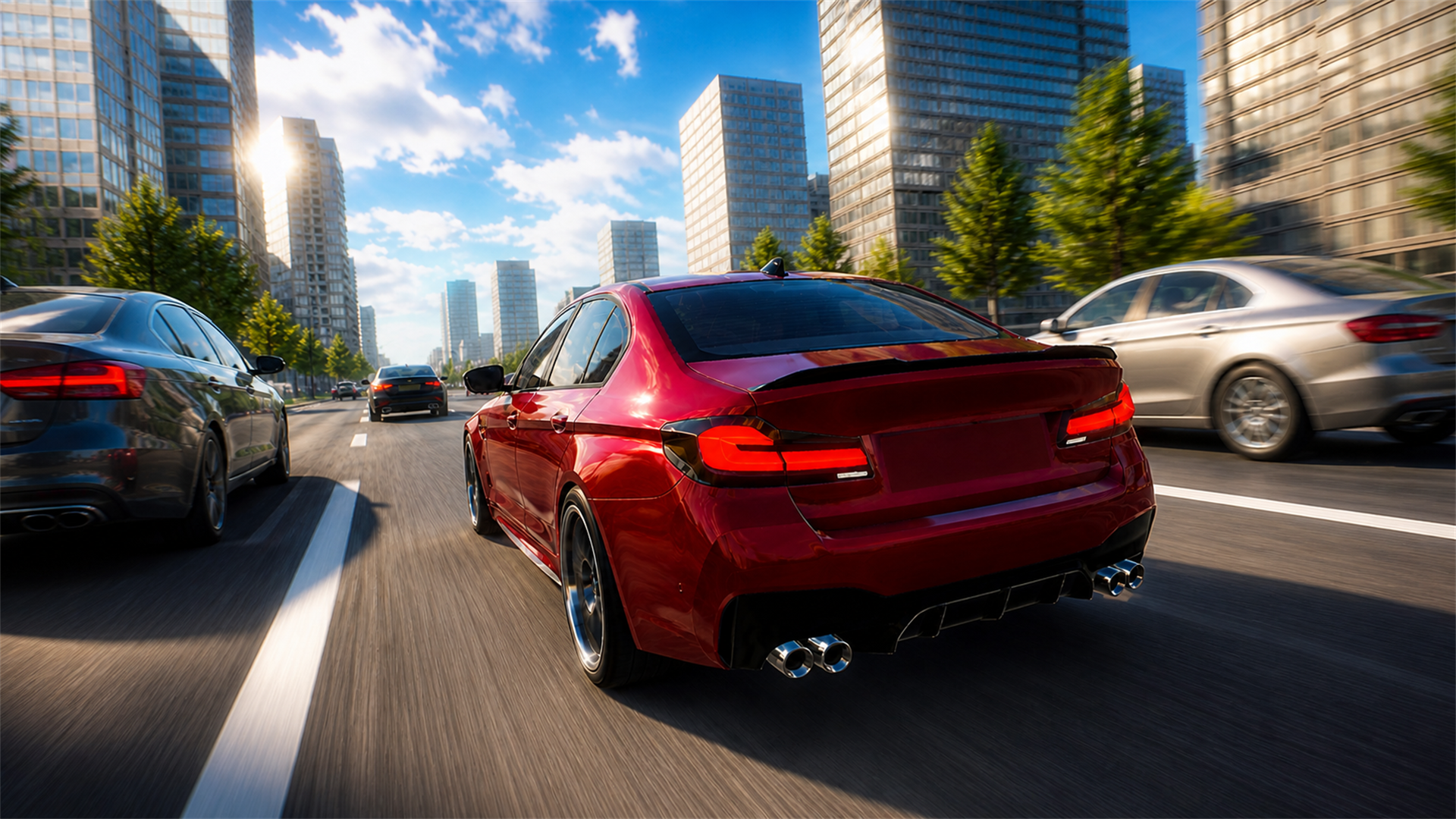
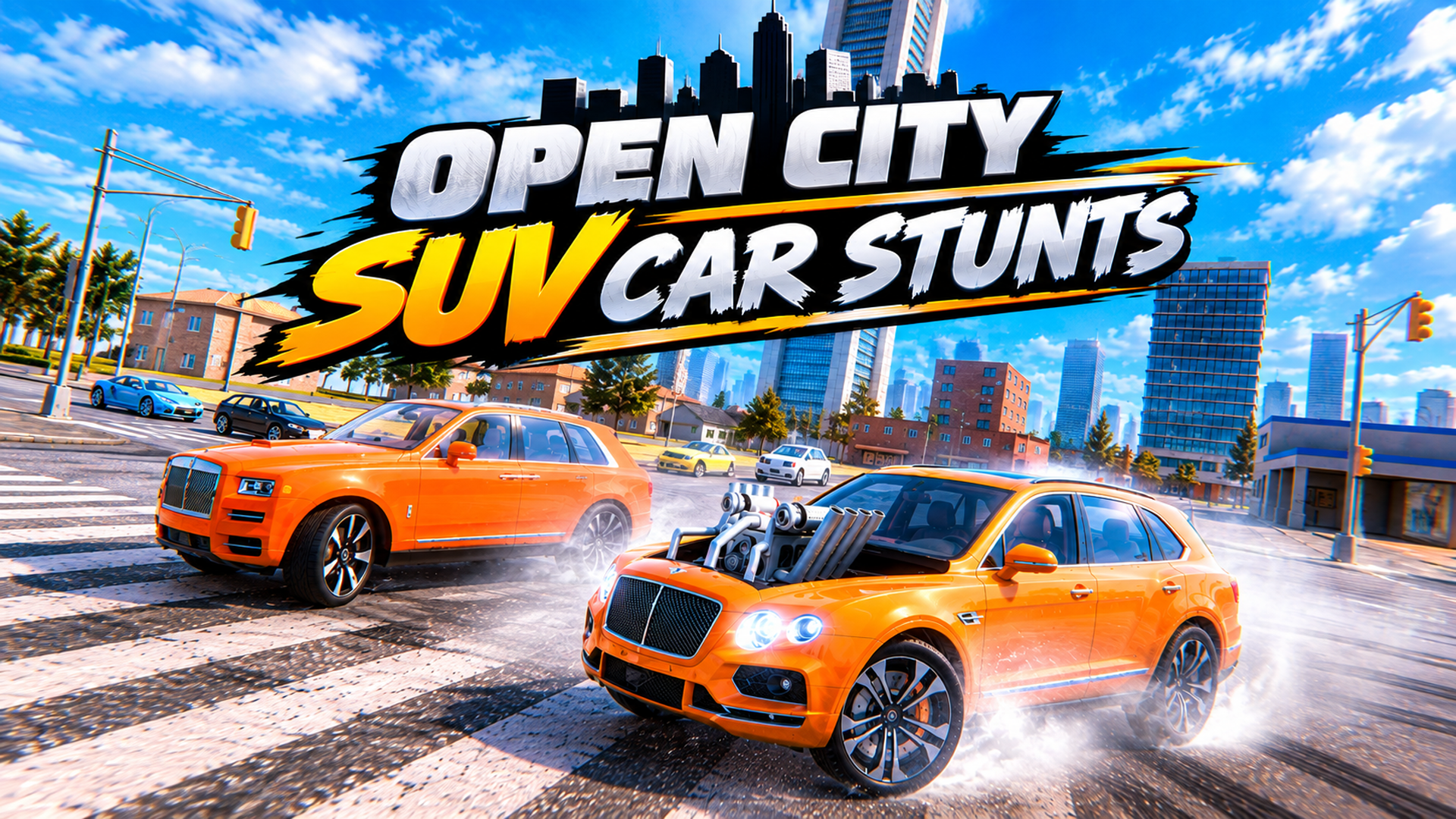
Yes. The game has different cars, and the N key switches to another one.
Game provided by Playgama