













How to play
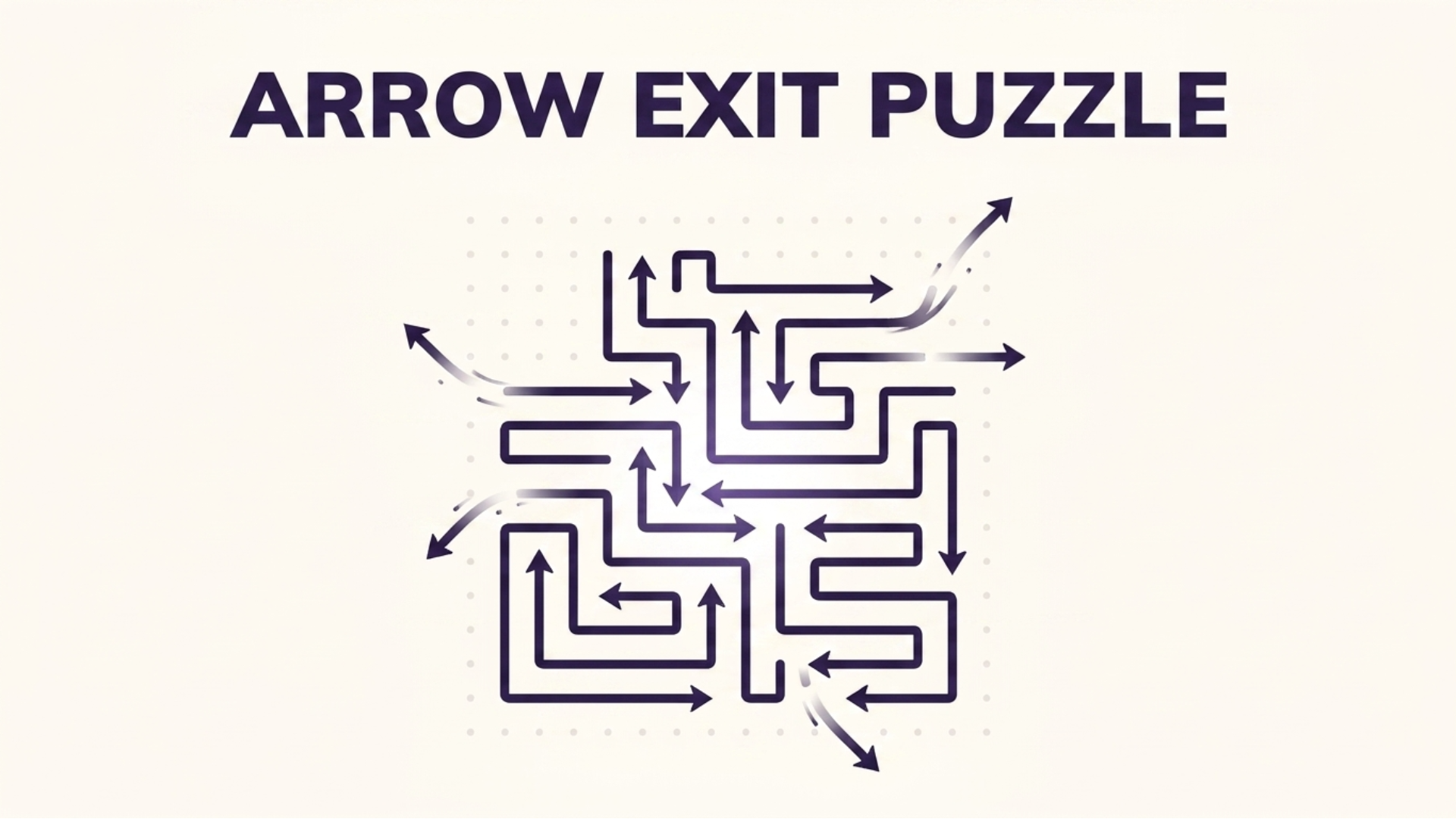
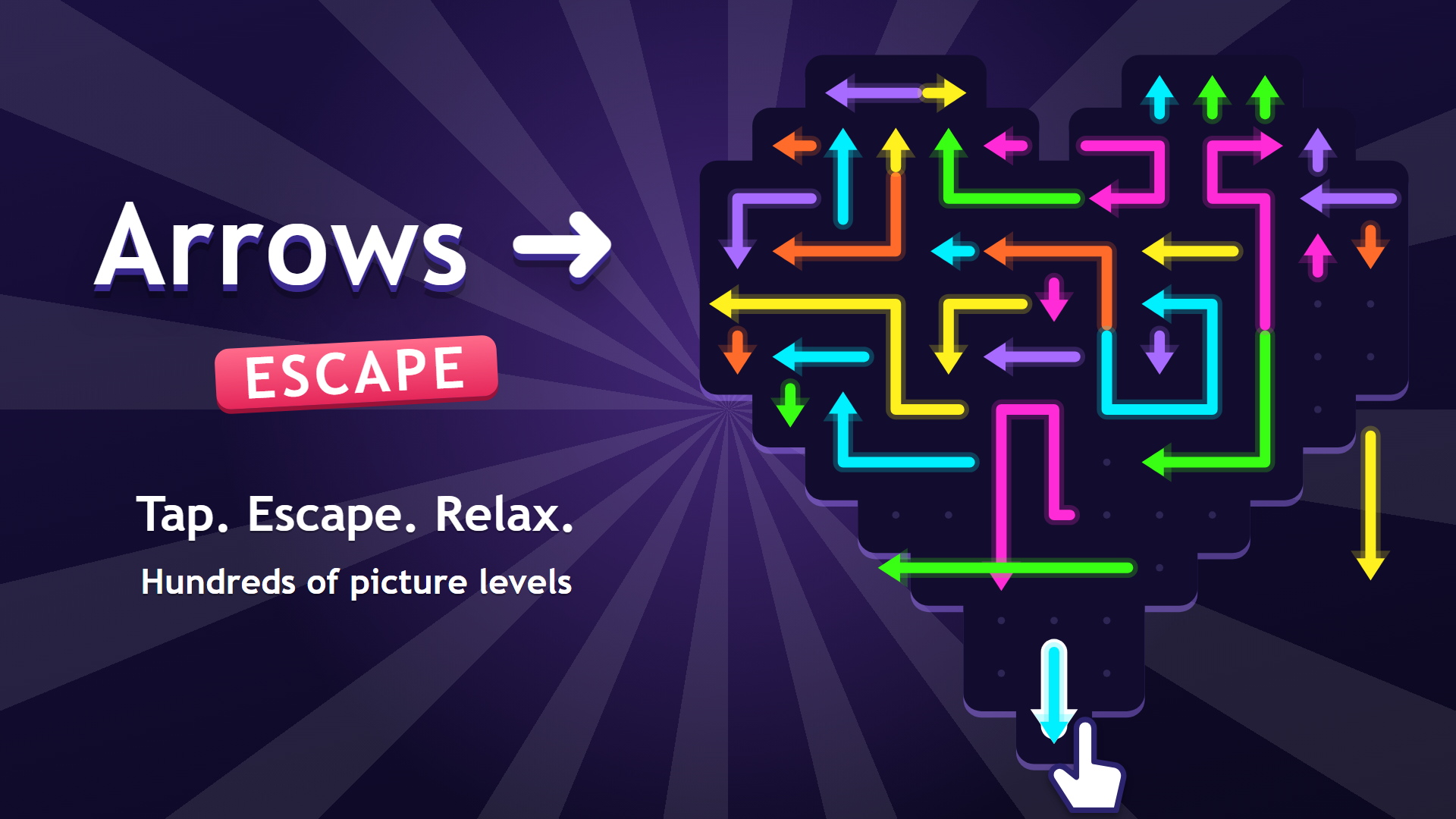
On a phone, the game plays in portrait only. Turn the cube to look at all six sides, then tap the arrow you want to take out. An arrow can leave only when the path in front of it is clear, so plan the sequence before you tap. Keep choosing the order until no arrow remains, and the level is complete.
Tips
- Before your first tap, turn the cube around to check where each arrow points.
- A blocked arrow cannot move, so try another one first.
- Removing one arrow can free the path of another, so plan the whole order before you play.
- The level is complete once every arrow has been cleared from the cube.
FAQ
Can I play Arrow Cube 3D on my phone?
Yes. The game works on phones, in portrait orientation only.
How do I remove an arrow?
Tap it. It leaves the cube only if the way in front of it is open.
What completes a level?
Removing every arrow from the cube completes the level.
Can I turn the cube?
Yes, you can turn it to look at it before choosing an arrow.
Game provided by Playgama