









How to play
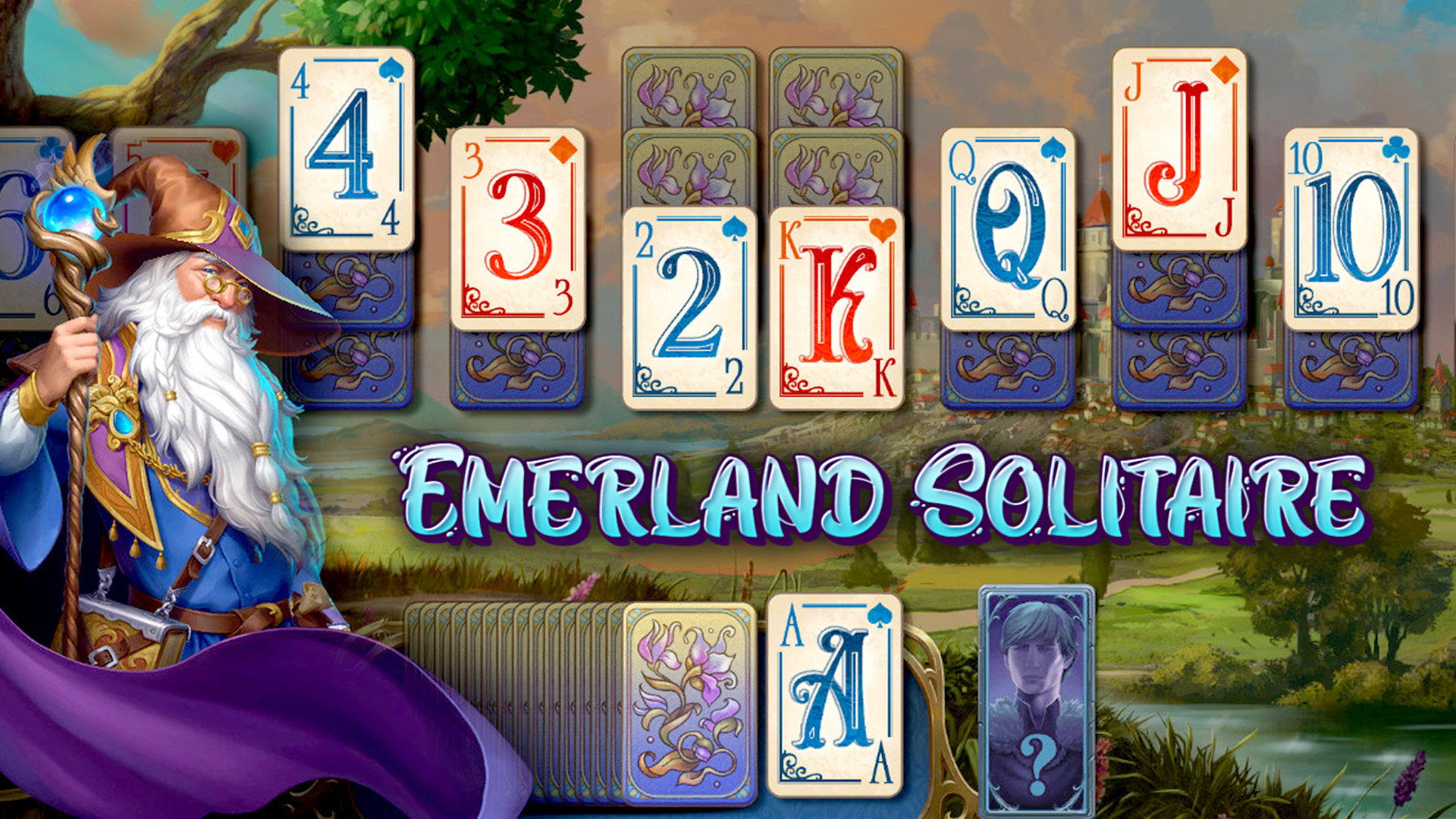
On a phone, turn the device to landscape first, the only orientation the game supports. Cards can be dragged with a mouse or a finger, and one tap moves them. Memory asks you to turn cards over and find matching pairs. In Pyramid, remove pairs that meet the sum rule of the mode. Spider is about gathering complete sequences of a single suit and taking them off the layout. Klondike-style games fill the piles by suit, starting with the ace, and descend on the tableau in alternating colors when the rules allow it. Place the cards as the mode asks, in sequences, pairs or columns. When stuck, ask for a hint, step back to an earlier move or run auto-collect, and random or solvable deals are offered where the mode allows them. Choose a game in the collection and its difficulty level before dealing.
Tips
- On a phone, landscape is the only orientation the game supports, so turn the screen first.
- Klondike can be dealt with a draw of one card or three, so choose before you deal.
- Spider comes in one, two or four suits: pick the number you want before starting.
- Memory has a normal board and a large board, so pick the size that suits you.
- Dark mode and a left-handed layout can both be enabled.
FAQ
Can I play Solitaire The Collection on my phone?
Yes. On a phone, the game runs only in landscape orientation.
How many card games does the collection hold?
It holds 33 card game variants, including Klondike, Spider, FreeCell and Memory.
Is my progress saved?
Yes. Games are saved automatically, so you can come back to a deal later.
Can I change how the cards look?
Yes: card faces, card backs and backgrounds, plus dark mode and a left-handed layout.
Are there challenges besides the regular games?
Yes: daily challenges and journeys with quests, where you collect keys, postcards and achievements.
Game provided by Playgama